
TechKompass – Windows 11 Home
Windows 11 Home is the standard edition for home users. TechKompass provides a technical overview of this version, highlights its strengths and limitations, and explains for which use cases Windows 11 Home is suitable – and when it is not.
Brief overview
Windows 11 Home is aimed at private users who are looking for a modern operating system for everyday use, multimedia, and occasional gaming. The edition offers a contemporary user interface and solid basic functions, but lacks professional management and security features.
Typical use cases
- Private desktop or laptop use
- Internet, office applications, multimedia
- Casual and mainstream gaming
- Standalone PC without domain connection
Advantages
- Modern and uncluttered user interface
- Good performance on current hardware
- Compatible with common software and games
- Lower costs compared to Pro editions
Disadvantages
- No group policy management
- No domain connection
- Limited security and administrative functions
- Only conditionally suitable for productive or professional use
Technical classification
Windows 11 Home is technically based on the same platform as Windows 11 Pro, but its functionality is limited. It lacks advanced security features, centralized management options, and professional networking features. This isn't a problem for single-user systems, but it's a clear disadvantage for structured work environments.
TechCompass rating
- Ease of use: ★★★★☆
- Result quality: ★★★★☆
- Speed & Performance: ★★★★☆
- Features: ★★★☆☆
- Value for money: ★★★★☆
Recommendation
Windows 11 Home is a solid choice for home users looking for a modern and stable operating system who don't require professional management or security features. However, for productive workplaces, freelancers, or businesses, TechKompass clearly recommends Windows 11 Pro.
Frequently asked questions about Windows 11 Home
Is Windows 11 Home suitable for gaming?
Yes, for most games Windows 11 Home is perfectly adequate.
Can I upgrade to Windows 11 Pro later?
Yes, an upgrade to Windows 11 Pro is possible at any time.
Are there any functional limitations in everyday life?
For private use, hardly any restrictions apply. These mainly concern administration and security.
Suitable products
Windows 11 Home is available from Premium Electronics as a digital activation service. For more demanding users, we recommend considering Windows 11 Pro.
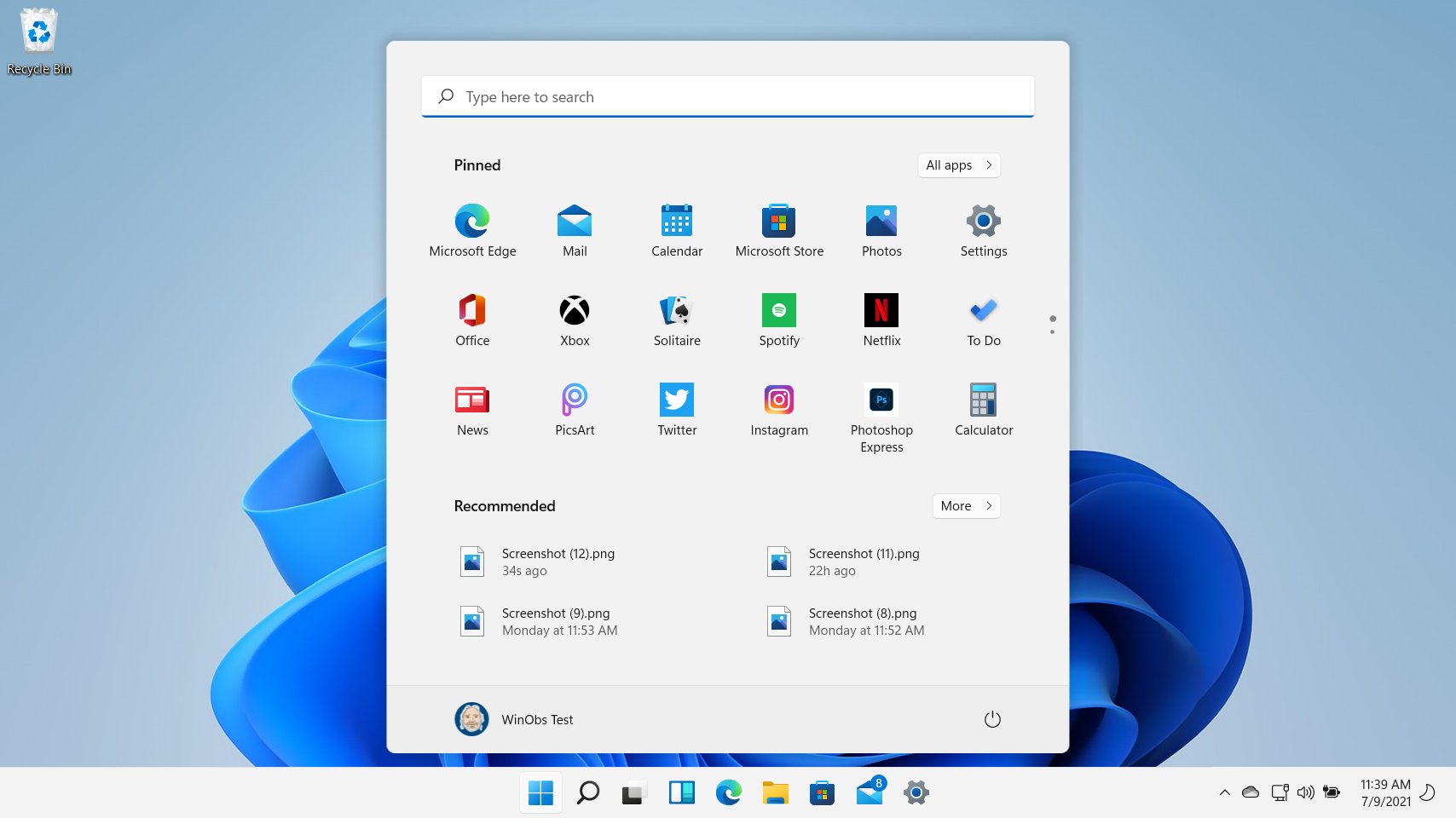
Fig. Windows user interface
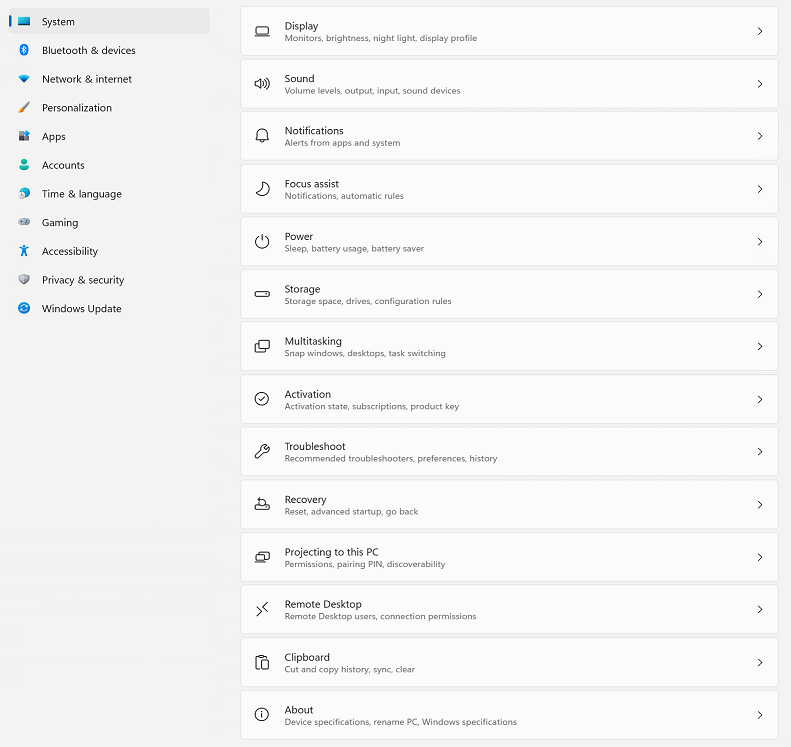 Fig. Settings screenshot
Windows 11 Home vs. Pro – the crucial difference
The most important difference between Windows 11 Home and Pro lies not in the user interface, but in the management and security features. The following overview clearly shows which edition is suitable for which requirements.
Windows 11 Home vs. Pro – the crucial difference
The most important difference between Windows 11 Home and Pro lies not in the user interface, but in the management and security features. The following overview clearly shows which edition is suitable for which requirements.

Fig. Comparison of features of the individual Windows versions